The Only AI Receptionist That Can See the Job.
Most bots just talk. TradiesLink lets customers text photos of the issue so you can quote accurately without leaving the site. Start with your existing phone number or claim a brand-new virtual AU business line.
Saving 10+ hours a week for tradies
Try the Visual Quoting AI right now
Type a simulated text message from a customer (e.g., describing a leaking pipe with a photo) to see exactly how the AI drafts a quote instantly.
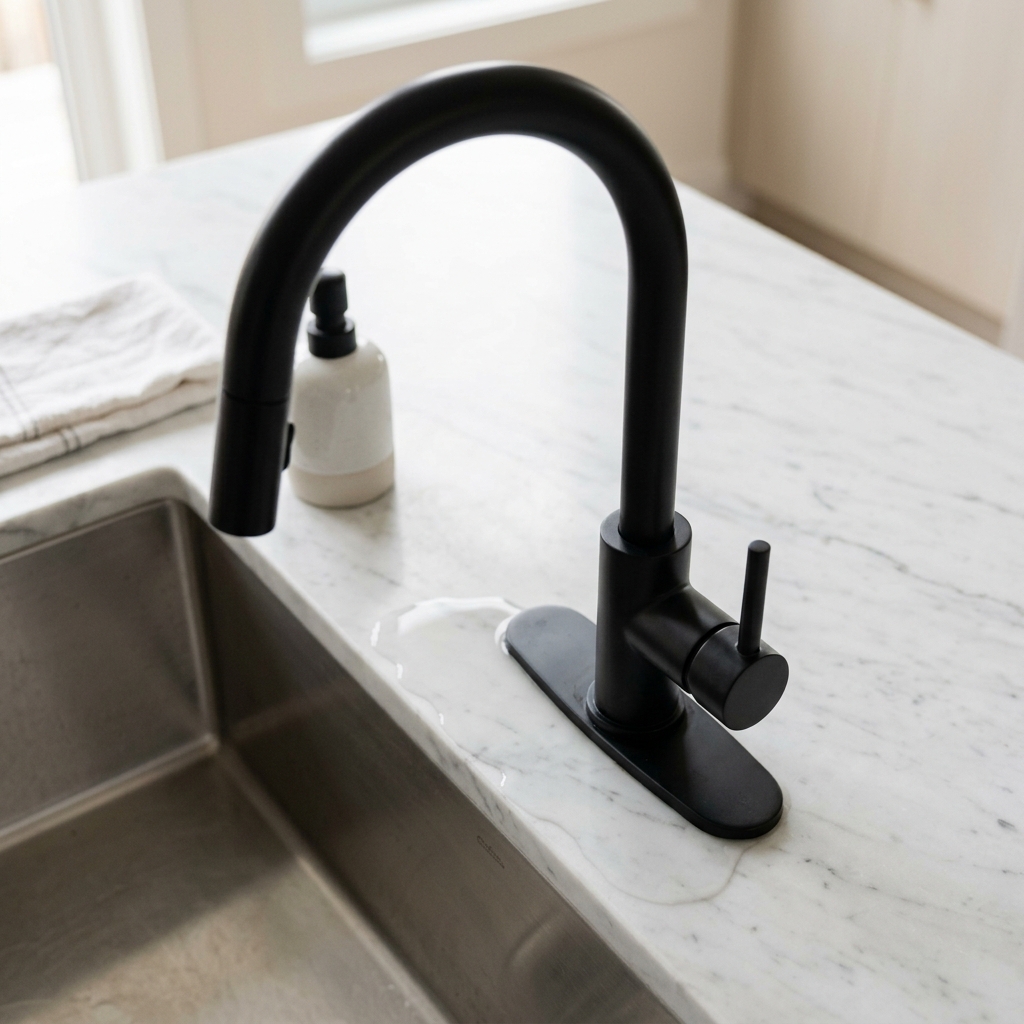
Hi, I have a leaking pipe under my kitchen sink causing water damage. Are you available to come out today?



Purpose-built for thousands of standard Australian home service professionals
Be everywhere, without doing everything
Customers reach out on their favorite apps. Our AI catches them all, so you don't have to.
Smart Voicemail & Instant Transcripts
Forward incoming calls straight to a dedicated digital voicemail box that instantly transcribes customer messages and sends them to your unified dashboard.
Visual SMS Quoting
Voice bots can't see broken pipes. TradiesLink lets customers text photos of their issue. Our AI analyzes the image and drafts a quote instantly.
Missed Call Text-Back
If you miss a call on the tools, TradiesLink instantly texts them: 'Hi, I'm on a job. Can you text me a photo of what you need fixed?'
Speaks Your Local Language
Whether you're in Sydney, London, or Texas, our AI adapts to regional accents, local slang, and city names so it always sounds like a local.
One Simple Inbox
See all your qualified leads in one clean dashboard. No more switching between apps or scrolling through personal texts.
Instant Quoting & Booking In
Generate quotes, propose available times, and book jobs straight from the chat. Your calendar updates automatically.
Integrates seamlessly with the tools you already use
Quote a job from a photo. In seconds.
Snap the dripping tap, the cracked tile, the dodgy switchboard. Our AI looks at the actual image, reasons like a tradie, and hands back a ranged price with the assumptions it made and the questions it still has.
- Understands photos. Looks at the actual image, not just counting how many photos they sent.
- Refine in plain English. "It's 15mm copper, after-hours" → tighter price.
- Confidence rating. Know when to trust it, and when to look closer.
- Save as a lead in one tap when the customer says "let's book it".
Included in Pro and Team plans.
AI Quote
Kitchen tap · Bentleigh VIC


Estimated
$180 – $260
Visible cartridge-style mixer; replacement + 30–45 min labour. Materials $40–$80, callout ~$90.
Photos didn't answer
Is the supply pipe copper or PEX? Any access issues under sink?
Already got a business number?
Keep it. Forward calls to TradiesLink only when you can't pick up — customers never see our number.
Track every job, never drop the ball
Our simple inbox automatically saves every new inquiry. Track statuses from "New" to "Quoted" to "Scheduled" without the headache of a complex CRM.
- Auto-saves AI conversations
- Simple job status tracking
- Saves all customer details in one spot
Drag, drop, and get to work
Turn chats into appointments in one click. The integrated calendar lets you manage your week, adjust job durations, and keep your schedule packed without the admin headache.
- Schedule directly from the inbox
- Drag-and-drop calendar interface
- Export to your personal calendar
How TradiesLink Works
From missed call to scheduled job, completely on autopilot.
Sign up in 2 minutes
Start with your existing phone number — we'll help you forward missed calls. Or get a new dedicated AU mobile on our Pro plan.
Pick channels + tap-to-forward
Turn on SMS, missed-call texts, and WhatsApp. It takes just one tap to get started.
AI handles every lead 24/7
Customers text, call, or WhatsApp — AI replies instantly, asks for job/photos/address, and qualifies the lead.
You get an SMS with a link
Every new lead = a text to your mobile with a one-tap link into the conversation. Review, quote, or keep the AI rolling.
Simple, Tradie-Friendly Pricing
Choose the exact level of automated AI coverage your business needs.
Starter
Perfect for solo tradies starting to automate their inbound calls.
Billed monthly
- 1 User Account
- Standard Auto-Reply SMS
- Voicemail-to-Text Transcription
- Basic Lead CRM tracking
Pro
The complete multi-channel visual AI quoting assistant.
Billed monthly
- Everything in Starter, plus:
- Smart AI Receptionist
- Instant Photo Quotes
- WhatsApp & Messenger Channels
- ServiceM8 & Jobber Integration
Team
Built for scaling trade crews requiring centralized dispatch.
Billed monthly
- Up to 5 User Accounts
- Unified Team Shared Inbox
- Direct ServiceM8 & CRM Sync
- ServiceM8 & Jobber Integration
- Priority Support SLA
Tradies Love TradiesLink
See how automated messaging is helping crews win more jobs and clear the admin backlog.
Read The Full Crew Breakdowns
Plumbing Dispatch Optimization
How Sarah cleared a 3-day quoting backlog.
Automating Electrical Inquiries
Scaling up jobs without hiring a full-time admin.
Frequently Asked Questions
What do I get on the 7-day free trial?
Full access to the AI Receptionist on your existing number — turn on conditional call forwarding in two taps and missed calls go straight to the AI. Prefer a brand-new dedicated AU mobile instead? It's free during the trial too. SMS, voicemail-to-SMS and WhatsApp (test mode during trial) work either way. No card required. Facebook Messenger unlocks on paid plans.
Will this interfere with my normal phone plan or require a new SIM?
No. Most tradies keep their existing number and SIM untouched — you just turn on standard carrier call-forwarding (e.g. **004*<TradiesLink number>#) so missed calls hit the AI while personal calls still ring you normally. If you'd rather have a separate dedicated AU mobile, we can provision one on signup — your handset is still untouched.
How does the AI handle a missed call?
Your phone rings normally. If you don't pick up, conditional call forwarding diverts only that missed call to your TradiesLink number — your custom greeting plays, the voicemail is recorded and transcribed, then the AI fires an SMS back to the caller asking for job details and photos. Meanwhile you get a text on your personal mobile with the transcript and a one-tap link to the conversation.
How will I know when a lead comes in?
You get an SMS on your personal mobile the moment a new lead arrives, with a preview of the message and a direct link straight into that conversation in the TradiesLink inbox — no login friction, no hunting. Backup email notifications are on by default too. You can install TradiesLink as a PWA on your home screen so it feels like a native app.
Can I change my channels after setup?
Yes — anytime. Jump back into the channel wizard from your dashboard to turn channels on, skip ones you don't need, re-record your voicemail greeting, or update your auto-reply templates. Nothing is locked in.
What information does the AI pull out of every lead?
Name, contact, job description, address, urgency, preferred time, and a draft AI cost estimate with a one-line rationale — all surfaced in your Leads CRM so you can approve or edit before quoting.
How does Visual Photo Quoting work?
When a customer sends a photo (leaking pipe, broken tile, damaged switchboard), Gemini Vision analyses the image, suggests likely materials and labour, and drafts an estimate straight into the lead — you review and send with one tap.
How do I connect WhatsApp and Facebook Messenger?
The onboarding wizard walks you through both. WhatsApp uses our shared test number during trial (join phrase + one tap) and migrates to a real WhatsApp Business sender tied to your own brand on paid plans. Facebook Messenger uses a one-click Meta OAuth connect once your Page is selected.
Can I test it before signing up?
Yes — open the Simulator from the top nav. Chat with the AI, upload a photo, and see exactly how it would handle a real lead. No signup, no card.